
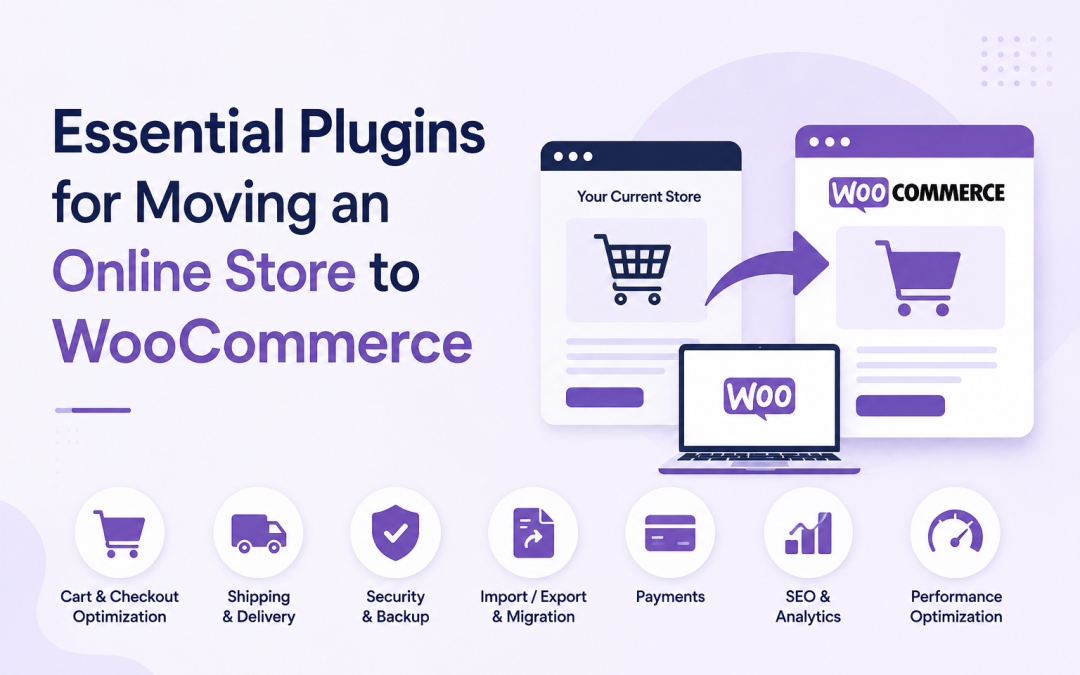
By Abhijith K M
Moving an established online store to WooCommerce involves much more than transferring a list of products. A complete migration may include product variations, images, customers, passwords, previous orders, coupons, subscriptions, tax information, payment settings, URLs, SEO metadata, transactional emails, invoices, and fulfillment processes. If any of these elements are transferred incorrectly, the new store may experience missing data, broken links, customer login problems, inaccurate reports, or interrupted order processing.
The right combination of plugins can simplify the migration and help store owners verify that critical functionality continues to work after the new website is launched. The plugins below cover data migration, website transfer, redirects, payments, email delivery, invoices, order numbering, privacy, security, performance, fulfillment, and analytics. Some tools have overlapping functions, so store owners should select plugins according to their migration scope rather than installing every option listed.
1. Import Export Suite for WooCommerce
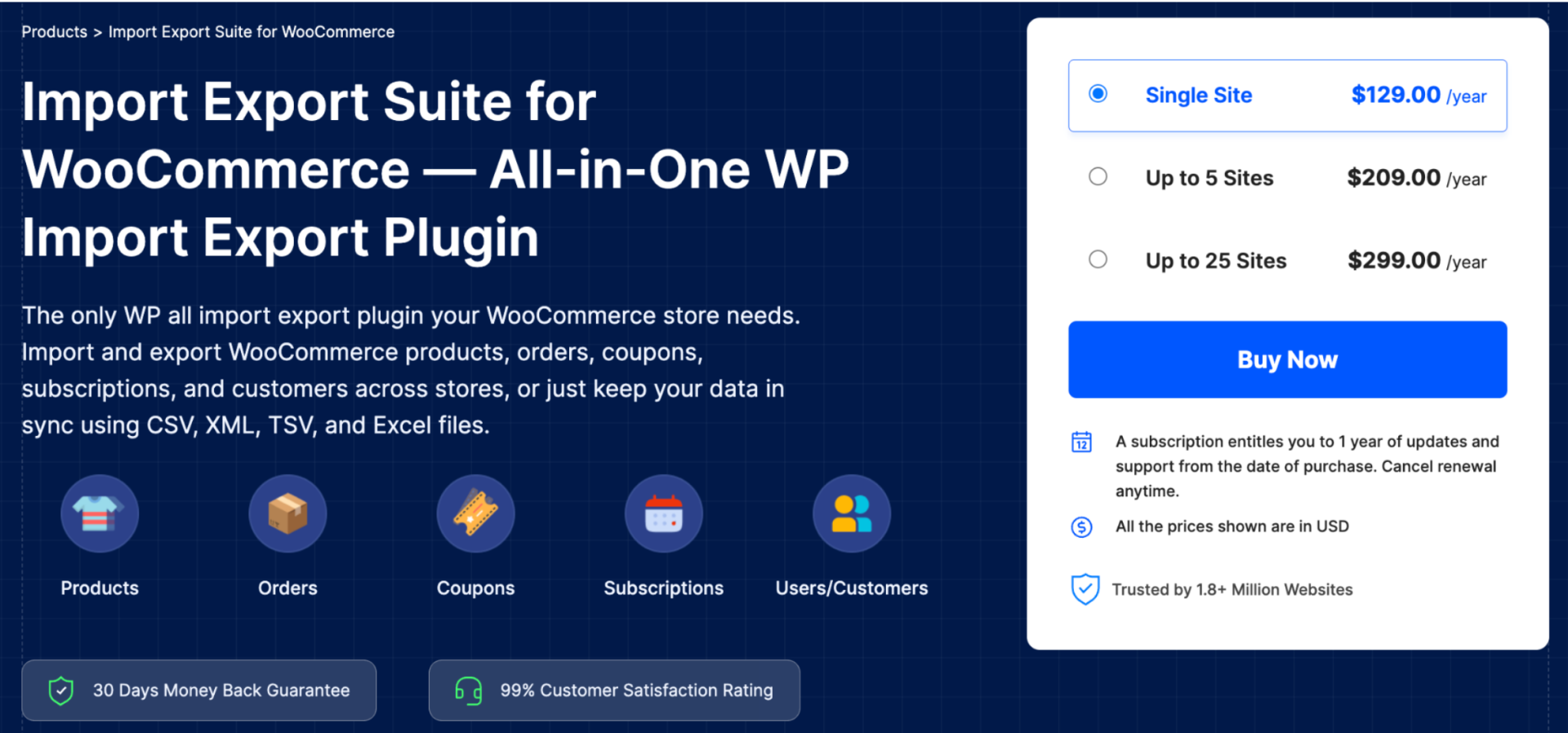
Import Export Suite for WooCommerce is an all-in-one data migration solution for stores that need to transfer several types of WooCommerce information. It supports products, product reviews, orders, coupons, subscriptions, customers, users, and other important store records. Data can be imported or exported using CSV, XML, TSV, and Excel files. The plugin provides quick, advanced, and template-based migration methods, allowing merchants to complete a full transfer or create a more selective migration using filters and field-mapping options.
This plugin is particularly useful when an online store contains multiple interconnected data types. For example, products should ideally be imported before historical orders so that the transferred order items can be matched with the correct products. Customers and subscriptions may also require careful field mapping to maintain accurate account and renewal information. Store owners should first perform a sample import in a staging environment, verify the relationships between the transferred records, and then complete the full migration after confirming that the data structure is correct.
2. Duplicator
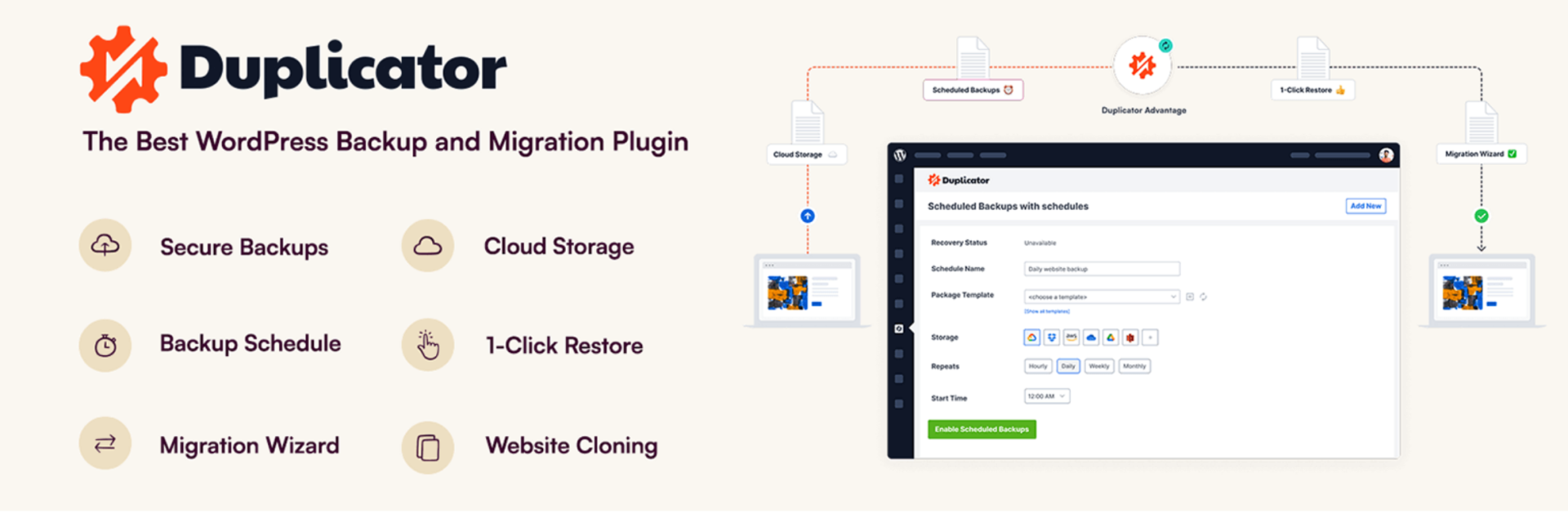
Duplicator is a WordPress backup and migration plugin designed to move an existing WordPress website between hosts, domains, or servers. It can package the website’s database, WordPress files, themes, plugins, uploads, and configurations into a transferable copy. This makes it particularly useful when a store is already running on WordPress or WooCommerce, and the migration primarily involves moving the complete website to a different hosting environment.
The plugin can also be used to create a staging copy of the store before the final migration. A staging environment allows store owners to test plugin compatibility, checkout functions, payment settings, customer accounts, and imported data without affecting the live website. However, a complete website-cloning tool does not replace a dedicated data-import solution when migrating from another eCommerce platform. In that situation, it can be used to back up or deploy the new WooCommerce website while a separate import plugin handles the product, customer, and order data.
3. Product Import Export Plugin for WooCommerce
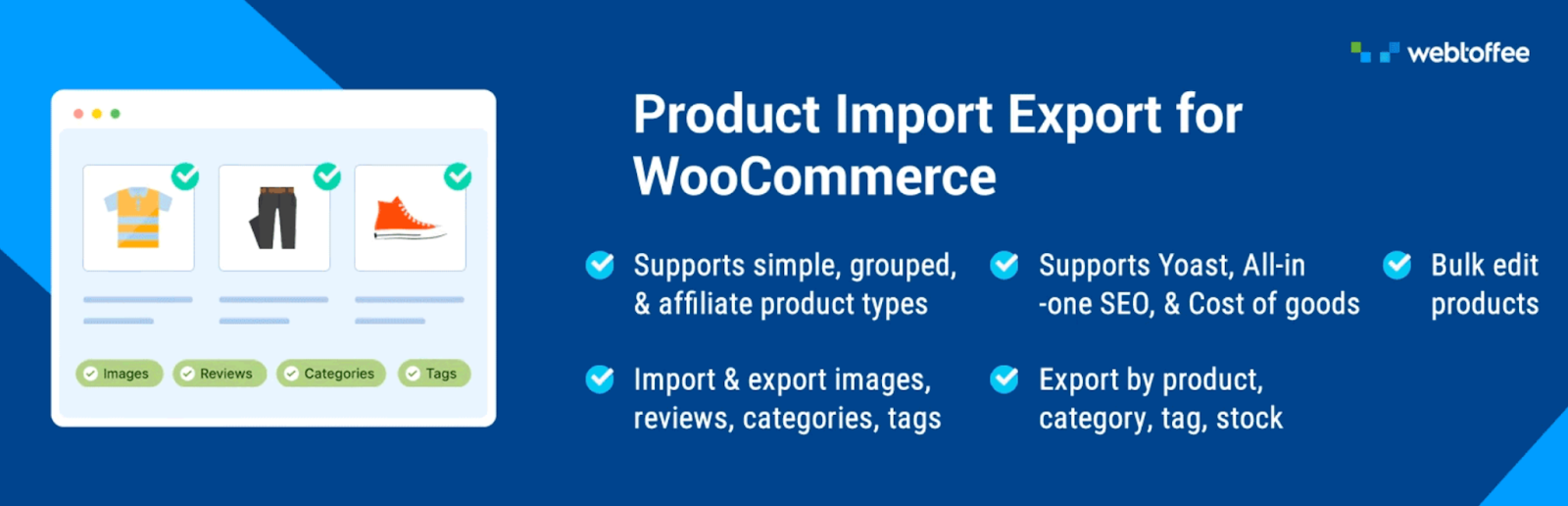
The Product Import Export Plugin for WooCommerce is designed specifically for transferring and updating product catalogs. It supports simple, variable, grouped, external, downloadable, subscription, and composite products, along with product images, categories, tags, attributes, variations, reviews, and custom metadata. Store owners can import or export product information through CSV, XML, TSV, Excel, Google Sheets, remote URLs, and supported FTP or SFTP workflows. It also provides column mapping and filters for selecting specific products or product fields.
During a store migration, this plugin can help preserve important catalog details, including SKUs, regular prices, sale prices, stock quantities, descriptions, variation attributes, product images, and category relationships. The free version supports basic product import and export using CSV files, making it suitable for straightforward catalog transfers. Before importing the entire catalog, merchants should test a small collection of products from different product types. This helps identify incorrectly mapped fields, missing image URLs, duplicate SKUs, and variation errors. Once the sample products display correctly on the new store, the same mapping configuration can be reused for the complete catalog migration.
4. Redirection

Redirection is a WordPress plugin for creating and managing URL redirects without editing server files. It can be used for small websites with a limited number of redirects or larger stores that need to manage thousands of redirected URLs. The plugin also provides redirect logging, 404-error tracking, permalink migration options, site aliases, and controls for redirecting HTTP, HTTPS, www, and non-www versions of a website.
Redirect management is essential when the original store and the new WooCommerce website use different URL structures. Every important product, category, page, and blog URL should be mapped to its closest equivalent on the new store using permanent redirects. This helps customers reach the correct pages through old bookmarks, advertisements, emails, and external links. After launching the store, merchants should regularly review the 404 error log to identify missed URLs and add new redirects where necessary, rather than sending visitors to an unrelated page or the homepage.
5. Order Import and Order Export Plugin for WooCommerce
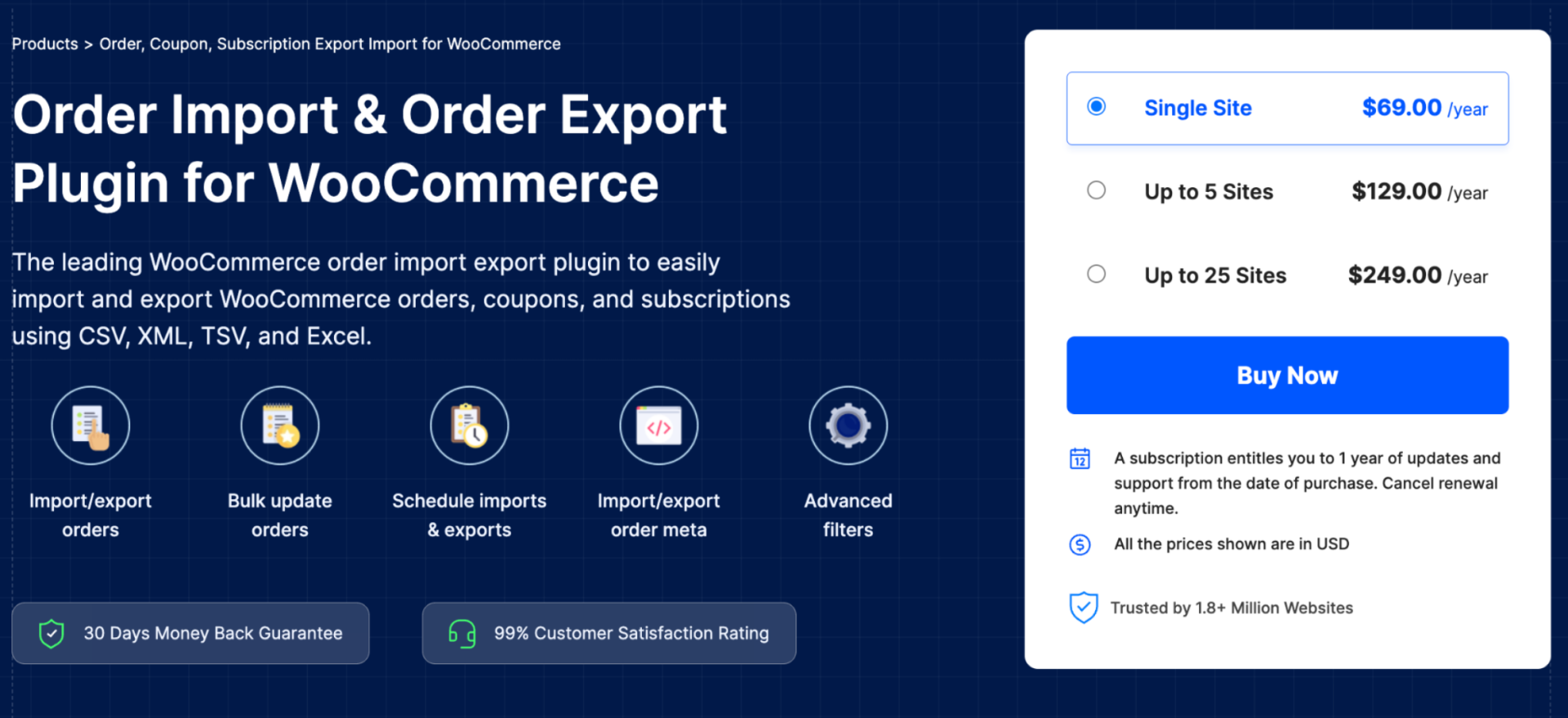
The Order Import and Export Plugin for WooCommerce helps merchants import, export, migrate, and update WooCommerce orders, coupons, and subscriptions. It supports CSV, XML, TSV, and Excel files and includes quick, advanced, and template-based migration methods. Advanced filters can be used to select records based on order status, date, customer, payment method, product, coupon usage, subscription status, and other available conditions. The plugin can also transfer supported custom order metadata created by other WooCommerce plugins.
Transferring historical orders allows customer service teams to access previous purchases, refunds, billing information, shipping details, and order notes from the new dashboard. This information may also be important for accounting, tax reporting, warranty requests, and repeat purchases. Before importing all orders, merchants should check whether order IDs, customer email addresses, products, taxes, payment methods, and order statuses are mapped correctly. Imported orders should also be carefully reviewed to ensure they do not inadvertently affect current inventory or trigger unnecessary customer notifications.
6. WooPayments
WooPayments is a payment solution built for WooCommerce. It allows eligible stores to accept supported credit cards, debit cards, and local payment methods through their WooCommerce checkout. Payments, refunds, disputes, transactions, deposits, and payouts can be managed from the WordPress dashboard, reducing the need to switch between separate payment-management platforms.
Payment settings from the previous eCommerce platform will not automatically continue working after a migration. Store owners must create or connect the required payment account, complete any necessary business verification, configure currencies and payout details, and review the payment methods available in their region. Test transactions should be completed before launch to confirm that successful, failed, refunded, and canceled payments produce the correct WooCommerce order status. Stores should also keep an alternative payment option available when appropriate to reduce checkout interruptions.
7. WordPress Users and WooCommerce Customers Import Export
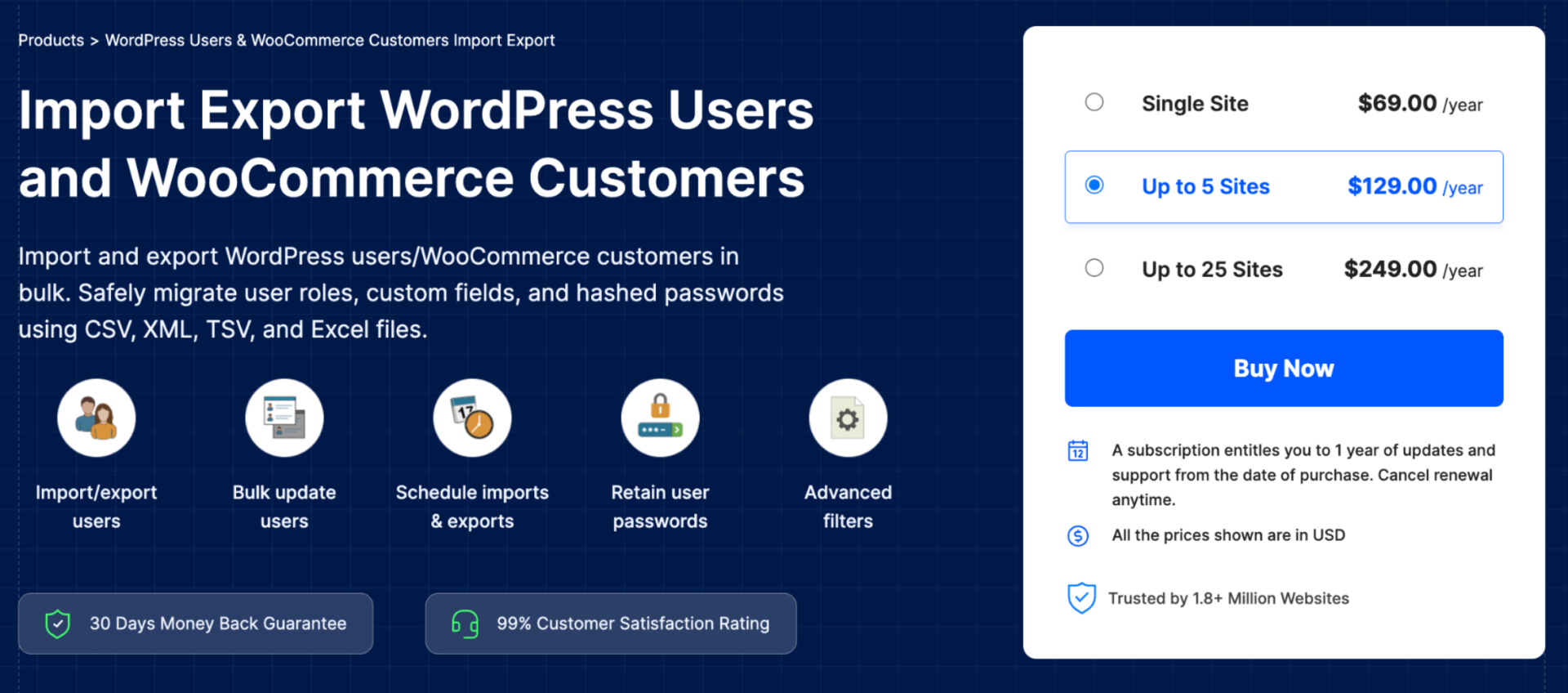
The WordPress Users and WooCommerce Customers Import Export plugin can transfer WordPress users and WooCommerce customers through CSV, XML, TSV, and Excel files. It supports user roles, WooCommerce billing and shipping details, custom user metadata, bulk updates, advanced filters, and scheduled transfers. When moving users between compatible WordPress websites, the plugin can also retain hashed passwords, allowing customers to continue using their existing login credentials.
Customer migration requires careful handling because each account may contain contact details, saved addresses, user roles, order relationships, membership information, or other custom fields. A test migration should include several account types, such as customers, administrators, subscribers, and wholesale users, where applicable. After importing the data, store owners should test account login, password recovery, billing addresses, shipping addresses, and access permissions. Customers should also be informed about the migration when required by the business’s communication or privacy procedures.
8. WP Mail SMTP

WP Mail SMTP changes the way WordPress sends outgoing messages by connecting the website to an authenticated email service. It supports multiple transactional email providers and SMTP-based configurations, rather than relying solely on the default PHP mail function. This can help improve the delivery of WooCommerce emails, including new-order notifications, processing-order messages, completed-order confirmations, password-reset emails, account notifications, and administrative alerts.
Email delivery should be tested before the migrated store begins accepting live orders. Merchants should authenticate the sending domain, configure the chosen mailer, and confirm that the correct sender name and email address appear in customer messages. Tests should cover order confirmations, password resets, contact form submissions, invoices, refunds, and failed payment notifications. It is also important to review the message formatting, links, attachments, and reply-to address because migration-related changes to the domain or email provider can affect these details.
9. WooCommerce PDF Invoices and Packing Slips
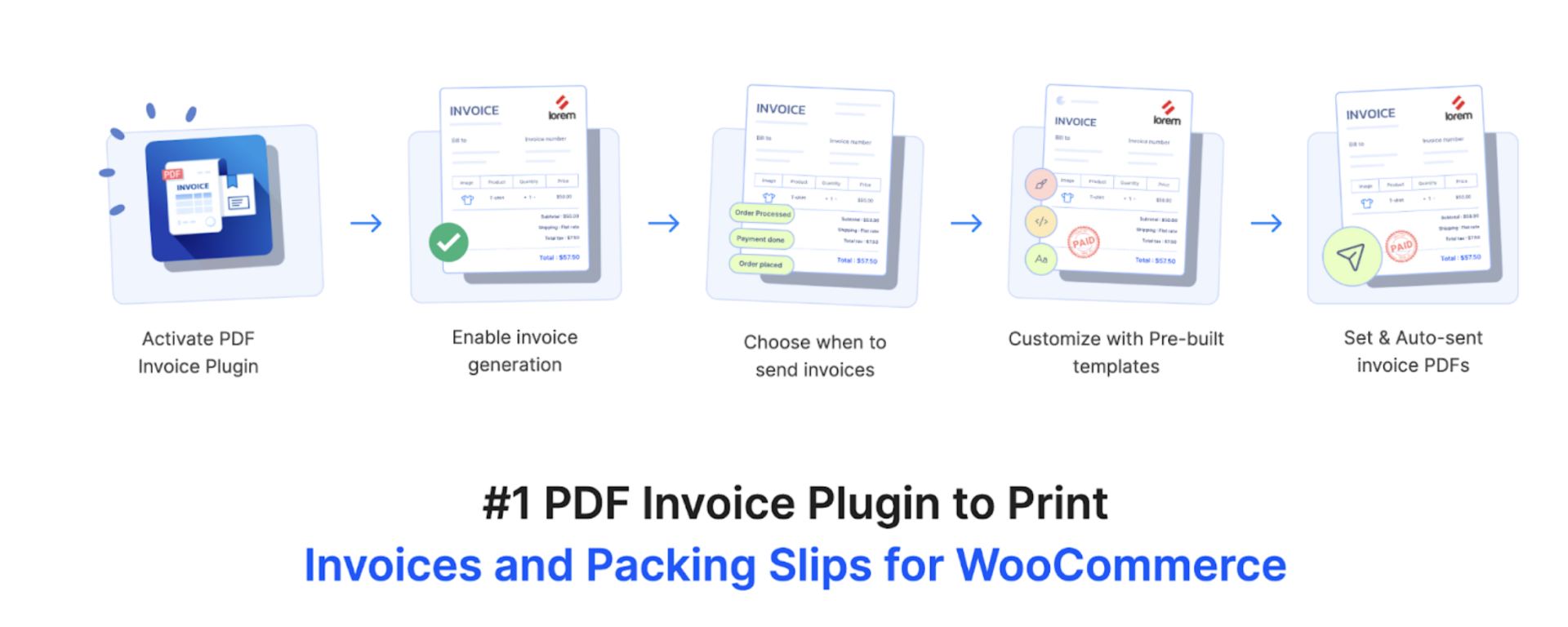
The PDF invoices & Packing Slips for WooCommerce help stores automatically generate PDF invoices and other order documents using WooCommerce order information. It can attach invoices to selected order emails and provide downloadable documents through customer accounts. Store owners can customize document templates with business details, branding elements, tax information, payment details, customer information, product data, and invoice-number settings. Premium functionality also supports documents such as credit notes and bulk invoice exports.
After migration, automated documents should be configured to reflect the store’s current legal entity, business address, tax registration, currency, and branding. The free version can automatically generate invoices, attach them to WooCommerce order emails, and create essential documents such as packing slips, delivery notes, and shipping labels. Store owners should review how imported historical orders are handled and decide whether documents should be generated only for new orders or made available for earlier transactions as well. Sample orders should be placed with different tax rates, shipping methods, discounts, and payment methods to confirm that the invoice totals and customer information are displayed correctly before the documents are sent automatically.
10. Wordfence Security

Wordfence is a WordPress security plugin that includes an endpoint firewall, malware scanner, login-security controls, two-factor authentication, security alerts, and tools for identifying suspicious changes. It is built specifically for WordPress and can monitor the website for malware, vulnerable files, unauthorized access attempts, and other security-related problems.
A store migration is a good time to conduct a comprehensive security review, as old accounts, unused plugins, temporary administrator access, and outdated files may be carried over to the new environment. Merchants should scan both the source and destination websites, remove unnecessary extensions, update active plugins, and change important credentials before launch. Administrator accounts should use strong passwords and two-factor authentication. Security monitoring should continue after the migration to investigate unexpected file changes, login attempts, or plugin vulnerabilities.
11. Sequential Order Numbers for WooCommerce
Sequential Order Numbers for WooCommerce replaces the default WordPress-based order-number pattern with a more structured sequence. Store owners can define a starting number, add prefixes or suffixes, include date-based elements, control number length, set custom increments, and configure automatic sequence resets. The plugin can also create separate numbering patterns for free or zero-value orders and allow customers to use the custom number for order tracking.
When migrating an established store, the new sequence should be planned before the first live WooCommerce order is created. The free version allows store owners to generate sequential order numbers using a custom starting number, prefix, and date format. During migration, the starting number can be chosen according to the final order number used by the previous platform, while a prefix can help distinguish migrated orders from new WooCommerce transactions. Store owners should ensure that imported and new orders do not receive duplicate references. They should also confirm whether their accounting or tax rules require a particular numbering sequence before finalizing the configuration.
12. Yoast SEO
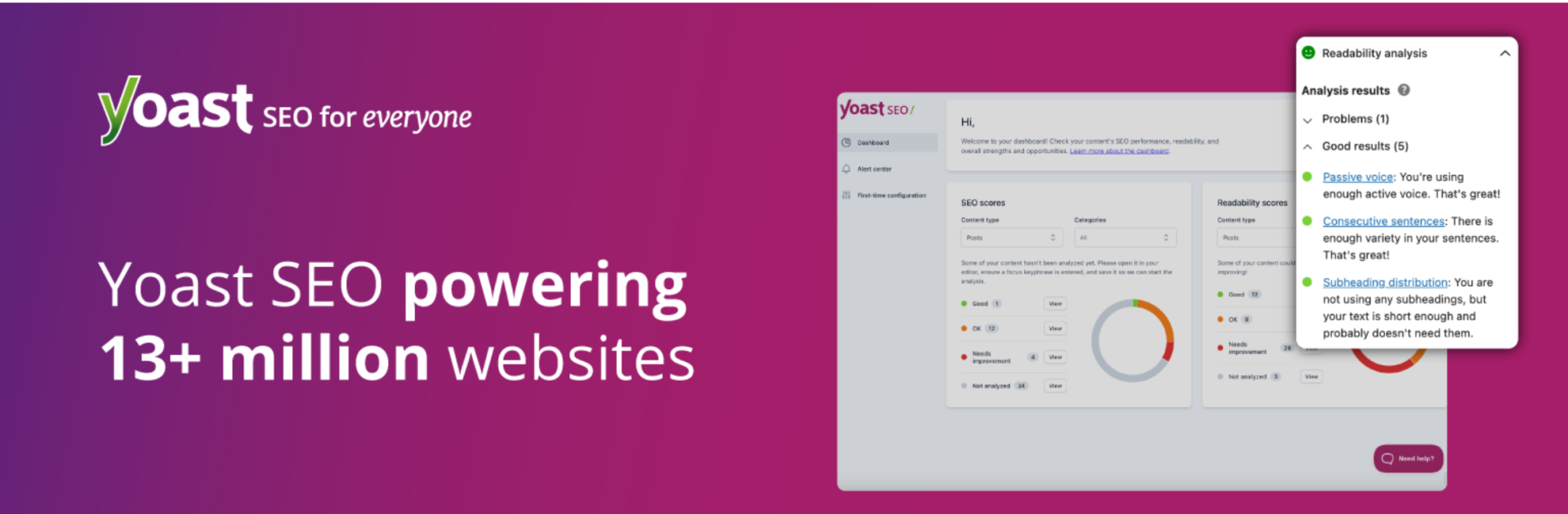
Yoast SEO provides WordPress tools for managing search-related content and website structure. Its features include SEO titles, meta descriptions, XML sitemaps, schema information, readability analysis, and tools for optimizing posts, pages, product content, and other supported content types. These functions can help store owners review how important pages are presented to search engines after a migration.
After transferring the website, merchants should verify that product and category metadata have been preserved or recreated correctly. Canonical URLs, noindex settings, page titles, descriptions, breadcrumbs, and XML sitemaps should be reviewed before the new site is submitted for indexing. The new website should not contain staging-domain references, blocked product pages, or duplicate versions of important URLs. Redirects and metadata should be evaluated together so that search engines can understand where the old pages have moved and which new pages should appear in search results.
13. GDPR Cookie Consent Plugin
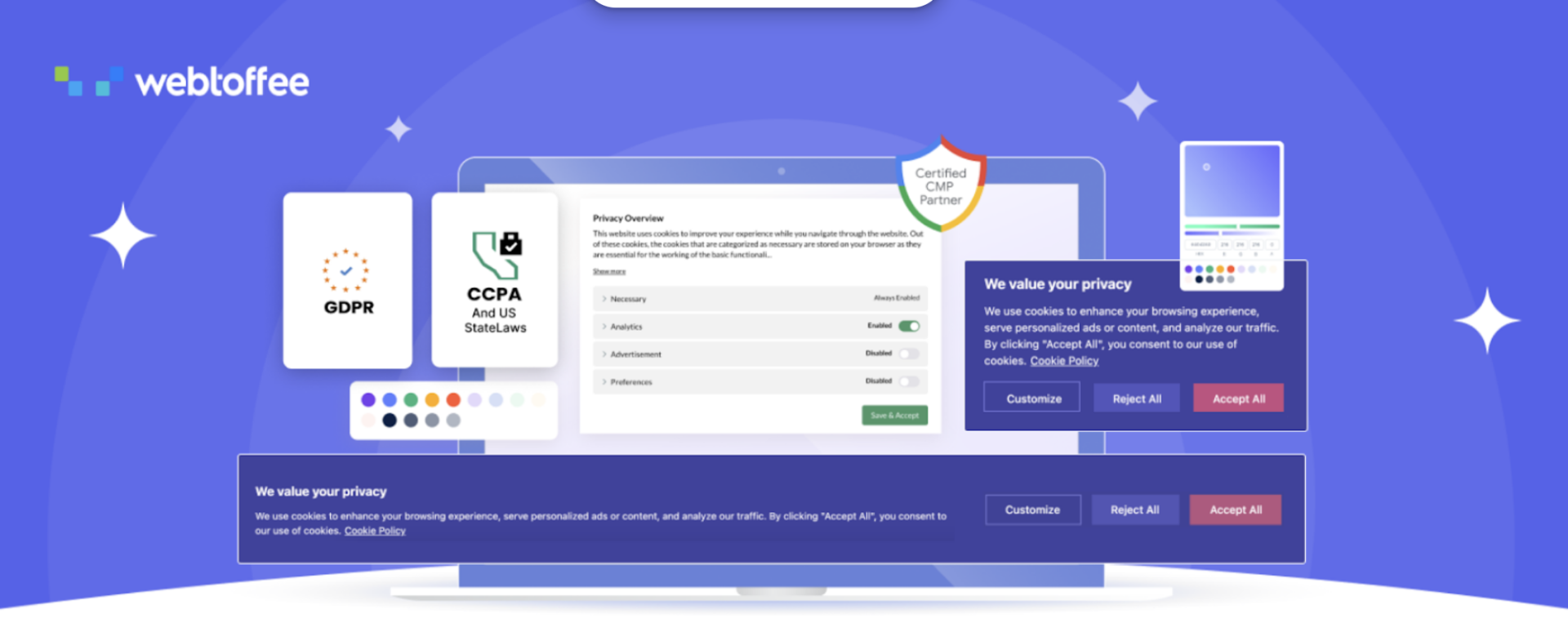
The GDPR Cookie Consent plugin helps WordPress and WooCommerce websites display a customizable consent banner and collect user choices before placing non-essential cookies. It provides accept and reject options and supports configurations that meet privacy requirements, such as the GDPR, CCPA, and LGPD. The banner’s appearance, text, buttons, behavior, and applicable privacy-law settings can be adjusted according to the website’s requirements.
Privacy settings should be reviewed whenever a store moves to a new platform, as the new website may introduce different cookies for analytics, advertising, payments, embedded media, or customer support tools. Store owners should scan the new environment, categorize detected cookies, and ensure that non-essential scripts comply with the chosen consent configuration. The privacy policy and cookie information should also be updated to reflect the tools actually used on the new store. A consent plugin provides technical controls, but legal requirements should be reviewed with a qualified professional where necessary.
14. WP Rocket

WP Rocket is a WordPress caching and performance-optimization plugin. It provides page caching, cache preloading, file-optimization controls, media optimization, lazy loading, database cleanup options, and integrations with supported content-delivery and caching services. Its caching functions begin working when the plugin is activated, while additional settings allow store owners to adjust the optimization according to the website’s configuration.
Store performance should be tested after all data, themes, and plugins have been transferred because the final configuration may behave differently from the staging website. Merchants should measure important pages, such as the homepage, product pages, category pages, the cart, checkout, and the customer account. Dynamic areas should be tested carefully to ensure that cached content does not affect cart totals, account details, stock messages, or checkout sessions. Performance options should be enabled gradually, followed by functional tests after each major change.
15. WooCommerce Shipping Labels, Dispatch Labels and Delivery Notes
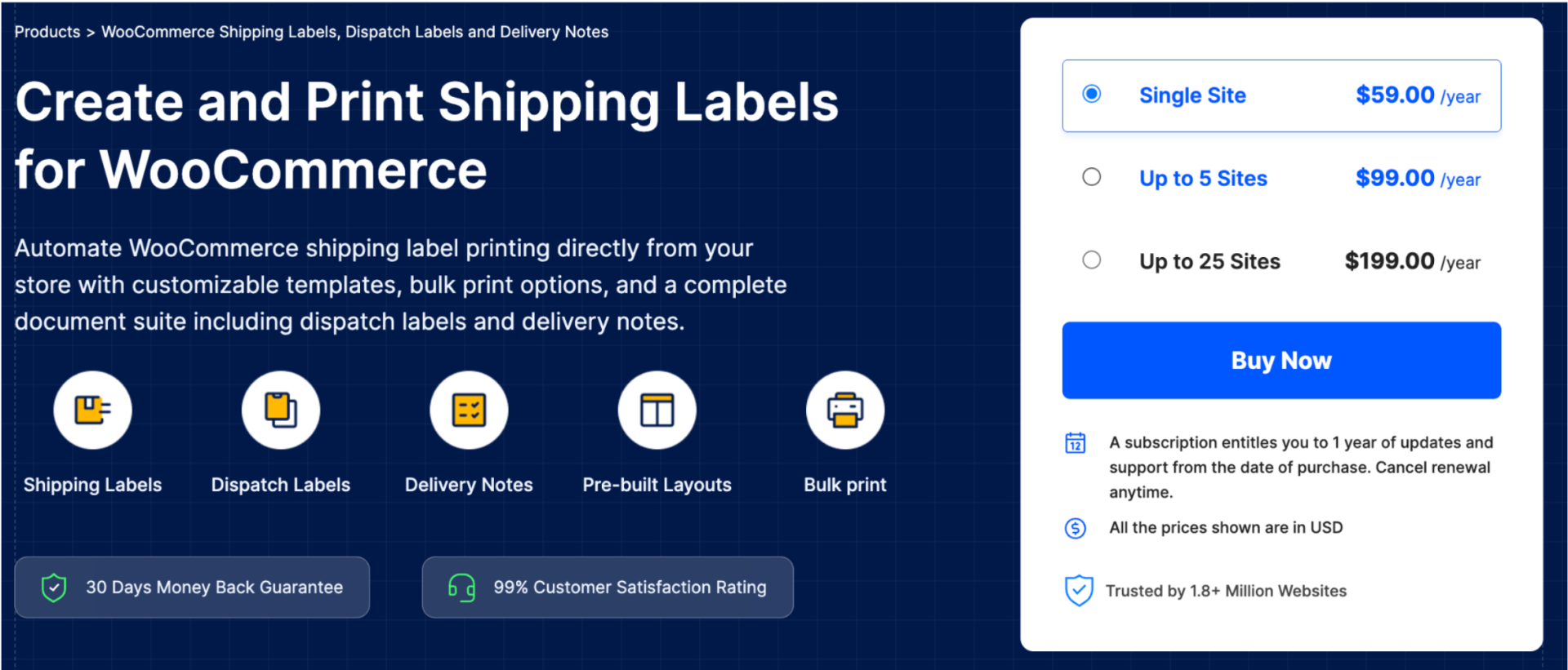
The WooCommerce Shipping Labels, Dispatch Labels, and Delivery Notes plugin helps merchants generate fulfillment documents using WooCommerce order information. It supports customizable shipping labels, dispatch labels, and delivery notes, along with pre-built templates and bulk-printing options. Store owners can include billing and shipping addresses, product details, payment information, return addresses, custom metadata, product attributes, and other relevant order information in the documents.
A migrated store should reproduce the fulfillment workflow used by warehouse or shipping teams before live orders begin. Document layouts should be tested with single-product orders, multiple items, variations, long addresses, guest orders, local collection, and different shipping methods. Merchants should note that this plugin creates customizable labels from WooCommerce order details but does not generate courier postage labels directly through services such as UPS, FedEx, or USPS. A separate carrier integration may therefore be required to purchase postage and retrieve tracking numbers.
16. Google Analytics for WooCommerce

Google Analytics for WooCommerce connects a WooCommerce store to Google Analytics, enabling merchants to measure website and shopping activity. It helps store owners understand how visitors reach the website and interact with the store, providing insights to evaluate customer behavior and revenue performance after the migration. The extension is available through the official WooCommerce marketplace.
Analytics tracking should be configured and tested before the old store is permanently replaced. Store owners should confirm that page views, product interactions, cart activity, checkout behavior, purchases, transaction values, currencies, and referral information are being recorded as expected. Tracking should also be checked alongside the store’s cookie-consent configuration. Recording the final pre-migration performance data and comparing it with post-launch results can help identify changes in traffic, conversion rates, checkout completion, or revenue that may require further investigation.
Conclusion
A successful WooCommerce migration depends on careful preparation, accurate data transfer, and thorough testing rather than simply copying products into a new website. Catalog information, customer accounts, historical orders, URLs, payment methods, emails, order documents, privacy controls, security settings, and analytics should all be included in the migration plan.
Store owners should complete the transfer in a staging environment, create reliable backups, test a representative selection of products and orders, and document the final launch procedure. After the new store goes live, broken URLs, failed emails, payment errors, security alerts, website speed, checkout activity, and analytics data should be monitored closely. Taking a structured approach reduces disruption and gives customers a more consistent experience throughout the transition.








 Guest Posting

