
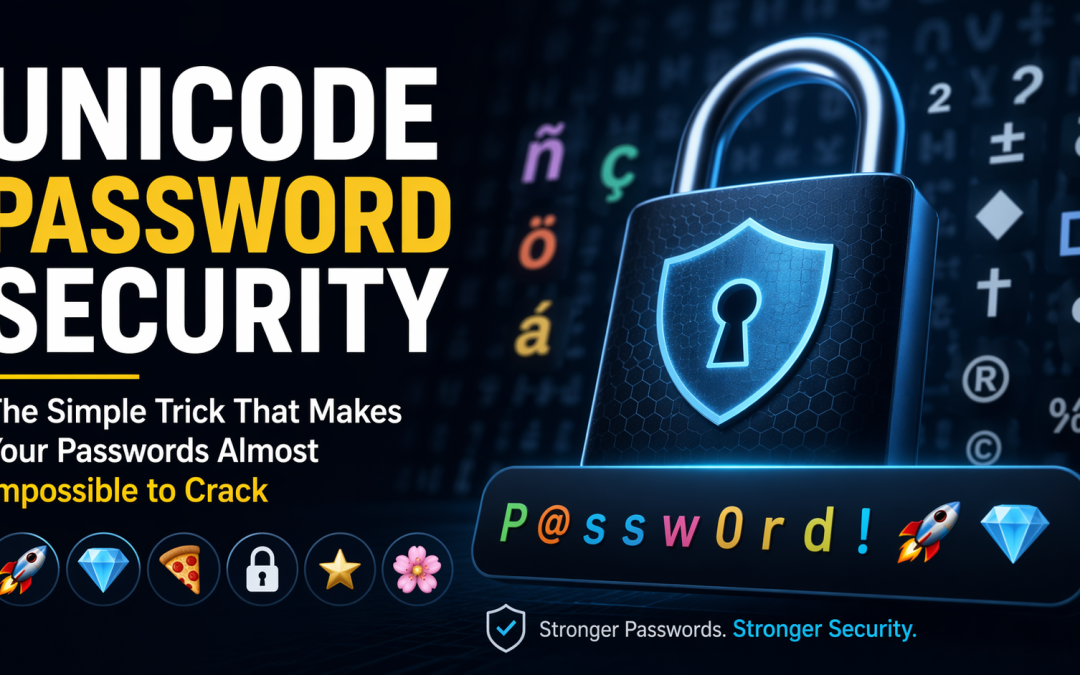
Most people think they’re being clever with passwords. Add a capital letter, throw in a number, maybe a symbol, and call it secure.
That worked… about ten years ago.
Today, password cracking tools aren’t guessing like humans. They’re running through billions of combinations in seconds. If your password looks like something a human would type, chances are a machine can figure it out. That’s exactly why Unicode password security is becoming one of the smartest ways to stay ahead.
Here’s where things get interesting.
The Shortcut Hackers Don’t Expect
You can dramatically increase password strength without making it harder to remember, just by stepping outside the normal character set.
I’m talking about emojis, symbols, and characters most people never even think to use.
Platforms like OpenAI and Dropbox already support full Unicode passwords. That means you’re not limited to A–Z, numbers, and a handful of symbols.
You’ve got access to thousands of characters.
That changes the game.
Emojis: Not Just for Text Messages
Let’s start with the obvious one.
Emojis aren’t just fun, they’re powerful.
A password made up of 5 to 7 random emojis like 🚀💎🍕🎯🔥🌊 is exponentially harder to crack than something like “Summer2024!”
Why?
Because attackers aren’t prioritizing emoji combinations in their brute-force dictionaries. They’re still targeting predictable human patterns.
That gives you an edge.
Go Beyond Emojis
If you really want to make your passwords bullet-resistant, mix in other uncommon characters.
Here are a few categories that work extremely well:
Mathematical and Scientific Symbols
Think characters like:
- ² (superscript 2)
- ° (degree sign)
- ± (plus/minus)
These rarely show up in password cracking attempts, which makes them valuable.
Geometric Shapes
Simple but effective:
- ■ (black square)
- ◆ (diamond)
- ☼ (sun)
Not something hackers are expecting in your login.
Dingbats and Unique Symbols
These are gold:
- ✎ (pencil)
- ✂ (scissors)
- ★ (star)
- ✿ (flower)
Also consider symbols like:
- † (dagger)
- ‡ (double dagger)
- ¶ (pilcrow)
- ‰ (per mille)
Accented and Non-English Characters
Add in letters like:
- ñ, ç, ö, á
Now you’re expanding beyond standard English-based attacks.
What This Actually Does
All of this comes down to one thing: entropy.
You’re increasing the number of possible combinations so dramatically that brute-force attacks become impractical.
It’s not about making your password longer just for the sake of it. It’s about making it unpredictable.
Machines struggle with unpredictability.
A Few Things You Need to Watch
Before you go all-in on emoji passwords, there are some real-world limitations.
Compatibility Still Matters
Not every platform supports Unicode.
For example, Google and Gmail can be picky. Some systems will reject emojis outright.
Always test your password before relying on it.
Input Can Be Clunky
Typing these characters isn’t hard once you know how:
- On Windows: press Win + .
- On Mac: press Control + Command + Space
Once you’ve done it a couple of times, it becomes second nature.
Use a Password Manager
Let’s be honest, you’re not going to remember a password full of symbols, accents, and emojis.
And you shouldn’t try to.
Use a password manager. Let it handle the complexity while you focus on access.
Don’t Make This Mistake
Here’s where people go wrong.
They hear “use emojis” and create a password that’s nothing but emojis.
That’s not ideal.
You still want a mix of:
- Upper and lowercase letters
- Numbers
- Standard symbols
- And yes, some emojis or Unicode characters
Something like:
P@ssw0rd!🚀
That’s stronger than either approach alone.
The Bigger Takeaway
Security isn’t about following outdated rules. It’s about staying one step ahead of how systems actually work today.
Most people are still playing by old guidelines.
You don’t have to.
Use the full character set. Add unpredictability. Let machines struggle to keep up.
That’s how you win this game.






 Guest Posting

